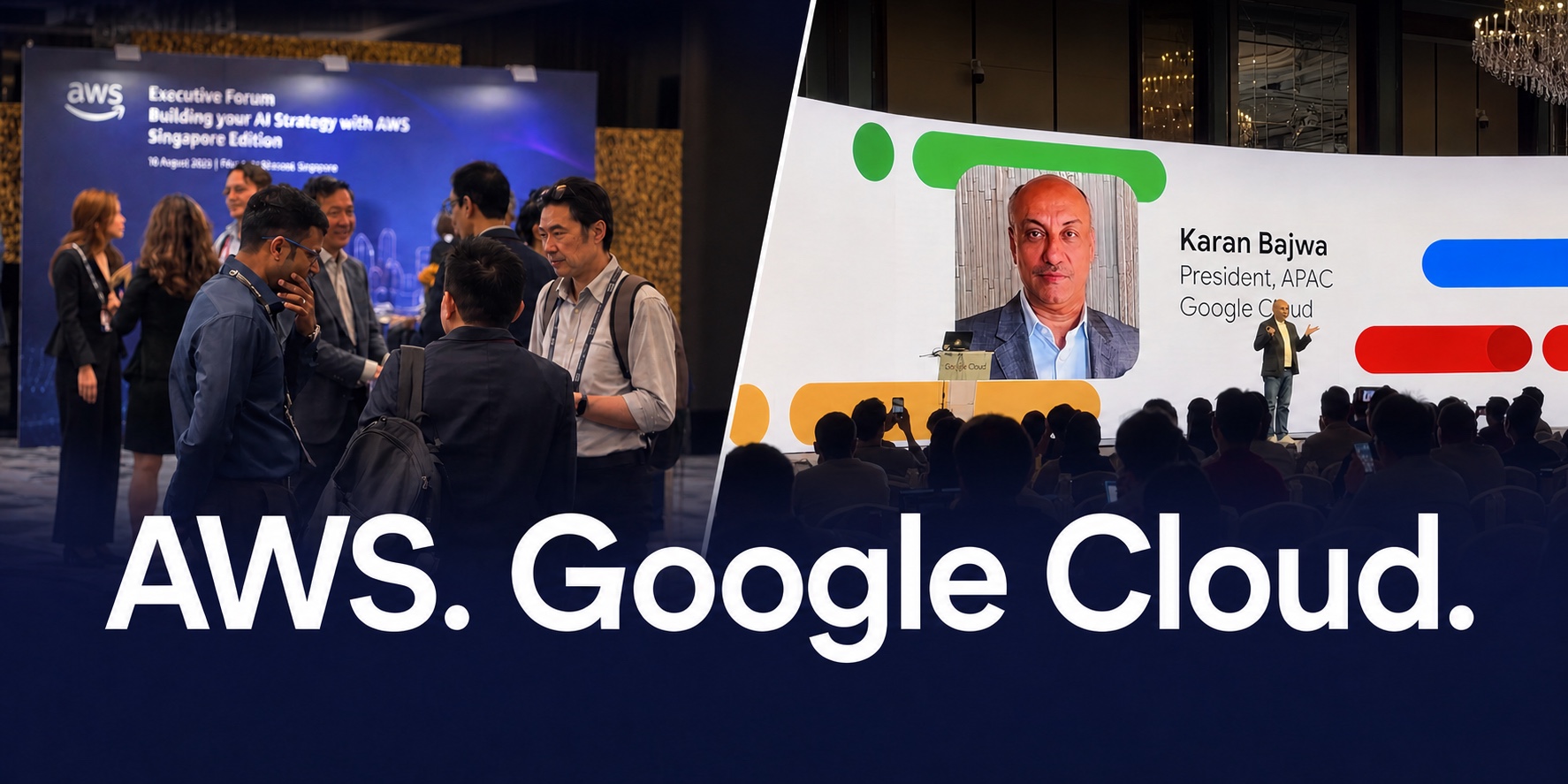
Both events came with the kind of guest list that makes an organiser's onsite team a little more careful than usual — executives, partners and press, arriving on a tight schedule with no patience for a slow line at the door. AWS Executive Forum 2026 and Google Cloud Startup Summit Singapore 2026 both ran on the same setup: online registration, QR code check-in at the entrance, and badges printed the moment someone checked in. No printed guest list to flip through, no pre-printed badges sitting in alphabetised trays hoping the right one gets found in time.
Built to flex when turnout runs ahead of the guest list
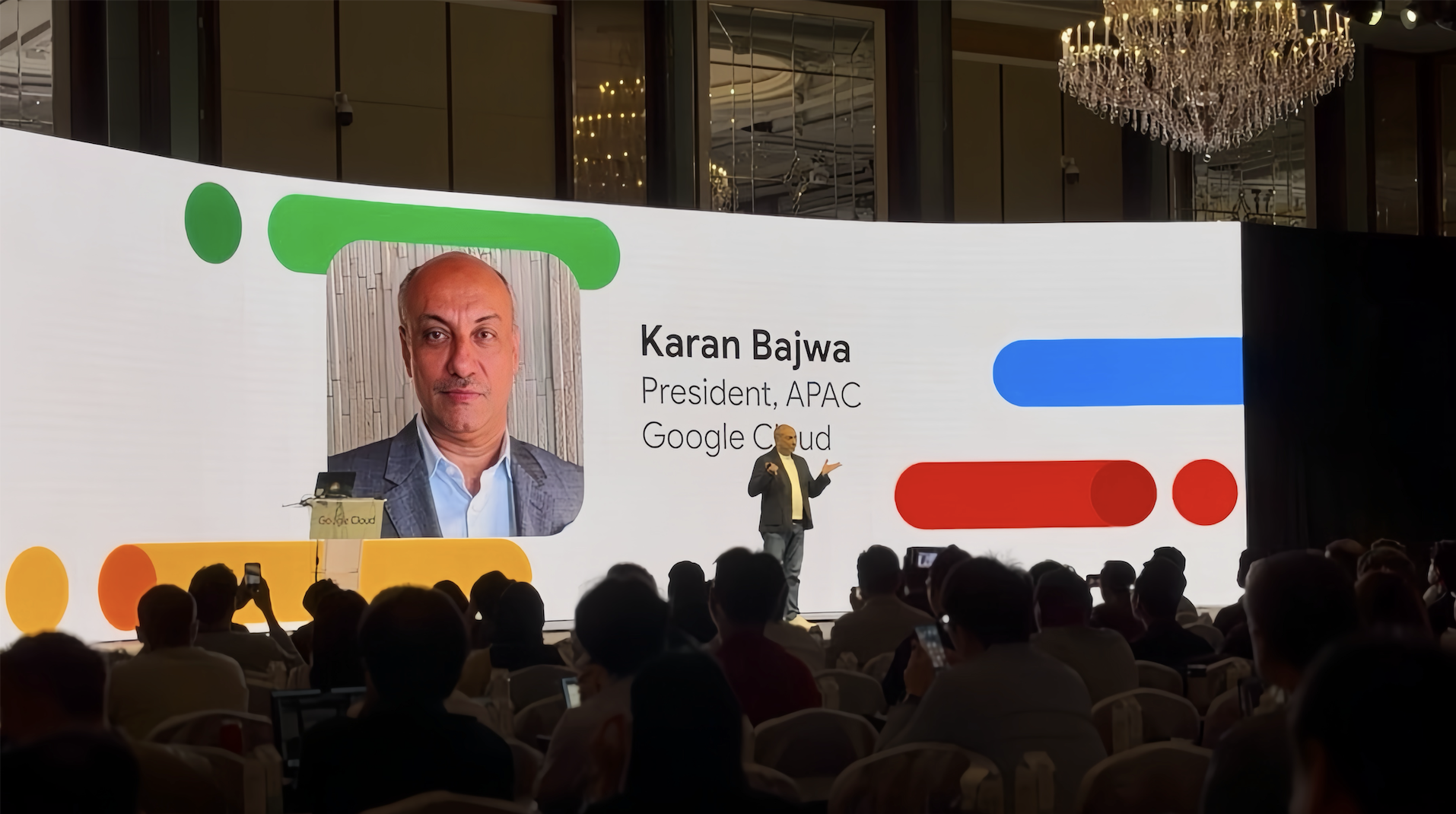
Google Cloud Startup Summit Singapore drew an even bigger crowd on the day than the RSVP count showed — and the setup was ready for it. Extra arrivals were welcomed into a comfortable waiting area while check-in kept moving at its normal pace at the main line, badges printing just as fast for the last person through the door as the first.
That kind of flexibility comes from registration and check-in that's designed to keep welcoming new guests — walk-ins included — for as long as the event needs it to, with the onsite team never having to change how they work.
Corporate event registration software that holds up under real turnout
When turnout moves beyond the RSVP plan, new guests join the same live list and continue through the same arrival flow.
Both events used the same online registration setup: a branded registration page, corporate-friendly fields (company, title, dietary and access needs), and a guest list that updates in real time as people sign up — no exporting a spreadsheet the night before and hoping it's still accurate by morning. When Google Cloud's numbers ran ahead of plan, the organiser could see it happening on the same dashboard the onsite team was working from, not find out afterwards from a headcount.
That real-time view is what made welcoming the extra guests so smooth — the team could see exactly how turnout was tracking against the RSVP list, and plan for the additional arrivals with real numbers to work from.
QR code check-in, even when it's busier than planned
Every attendee's confirmation carries a QR code generated at registration. At the door, that code is scanned, the system confirms the ticket, and the person is marked checked in — no name lookup, no manual search through a printed list while a queue forms behind them. For the extra guests at Google Cloud's summit, the same flow covered on-the-spot registration too: sign up, get a code, check in, all in the same easy motion as everyone who registered weeks earlier.
This is also what keeps a corporate event's floor looking the way sponsors and executives expect it to — a scan and a nod, not a delegate standing at a table while someone flips through pages looking for their name.
Onsite badge printing that keeps pace with the queue
Badges for both events printed the moment check-in confirmed — name, title, company and pass type, formatted and out of the printer before the attendee had finished putting their bag down. Nothing pre-printed in batches beforehand, which is exactly what made it easy to welcome more guests than planned: printing on demand means every attendee gets the same badge, whether they registered weeks ago or walked in that morning.
For events built around a company's brand — an AWS forum, a Google Cloud summit — the badge is also one of the more visible touchpoints in the room. Printing on demand meant every badge, including the ones nobody planned for in advance, looked exactly like the rest.
What running two major technology events in one month taught us about the registration experience
Software is maybe half of what makes a check-in desk feel fast. The rest comes down to decisions most organisers never think to make explicitly — the shape of the room, how a station is set up, even the badge clip — and getting those right is exactly where an experienced onsite team earns its keep.
Lesson 01 Design the whole badge handoff
Take something as small as the badge holder — and look at how the whole handoff was designed around each event. Google Cloud chose a generous 4 × 12-inch badge printed on two sides, creating a high-impact branded canvas, then paired it with a single-claw lanyard that attaches in one easy motion. AWS chose a compact 4 × 6-inch badge printed on one side for a quick production flow, finished with a secure double-claw holder that keeps the badge sitting neatly in place.
Each configuration was optimised differently, yet both arrived at the same result: a polished badge and a smooth, similarly quick end-to-end handoff. It is a useful example of how EventNook adapts the printing and finishing workflow around an organiser's preferred badge format rather than asking every event to fit one standard setup.
High-impact badge, quick finish
- 4 × 12 inbadge size
- Two sidesprinted
- Single clawone-motion clip
Unedited: printing, handoff and clipping for one attendee.
Quick print, secure finish
- 4 × 6 inbadge size
- One sideprinted
- Double clawsecure two-point clip
Unedited: printing, handoff and clipping for one attendee.
Lesson 02 Give the queue room to breathe
The room itself matters just as much as anything printed or scanned. An open floor plan gives a line room to spread out even at its busiest, so it rarely feels like a queue at all — that's part of what made AWS Executive Forum's registration area feel so calm no matter how many people were moving through it. A tighter footprint changes the calculus: the same number of people in line can look and feel far more congested, which is exactly the kind of thing an onsite team plans around before doors even open, rather than reacting to once a line has already formed.
Two active stations move two guests forward together per cycle.
Interactive: click or tap 2, 4 or 6 stations to compare parallel printing capacity.
Lesson 03 Adjust stations around the room
Station count matters too: every additional active print station lets the team process another guest in parallel, increasing throughput and helping the queue clear faster when arrivals peak. How those stations get used on the day matters just as much — the best configuration often isn't the one drawn up a week earlier, it's whichever setup keeps a self-service QR scan and a staff-assisted lookup both moving at once, adjusted in real time as the room fills up. And the single biggest lever, bigger than any hardware choice, is simpler than it sounds: every extra question asked at the counter costs the whole line time behind that person. The fastest desks are the ones where the system has already answered whatever an attendee might ask before they even reach the front — which is as much a registration-flow decision as it is a technology one.
Experience is part of the system. None of this shows up on a feature list. It's the part of the job that only becomes obvious after running enough of these events to know what a room is going to do before it does it — which is the actual value of having an experienced team on the ground, not just software running in the background.
See it for yourself
These are real photos from both days — the registration booths at Google Cloud Startup Summit Singapore 2026 and AWS Executive Forum 2026, and the badges printing at the counter. All four albums are shared the same way attendees saw them: through NookPass's Photo Album feature, live from inside the event app rather than a gallery link sent out afterward.
Choose an event to open its albums
Google Cloud Startup Summit
AWS Executive Forum
The same Photo Album feature is available on every event run through NookPass — organisers upload as the day happens, and attendees browse the full set long after the lights come up.
Built for events like these
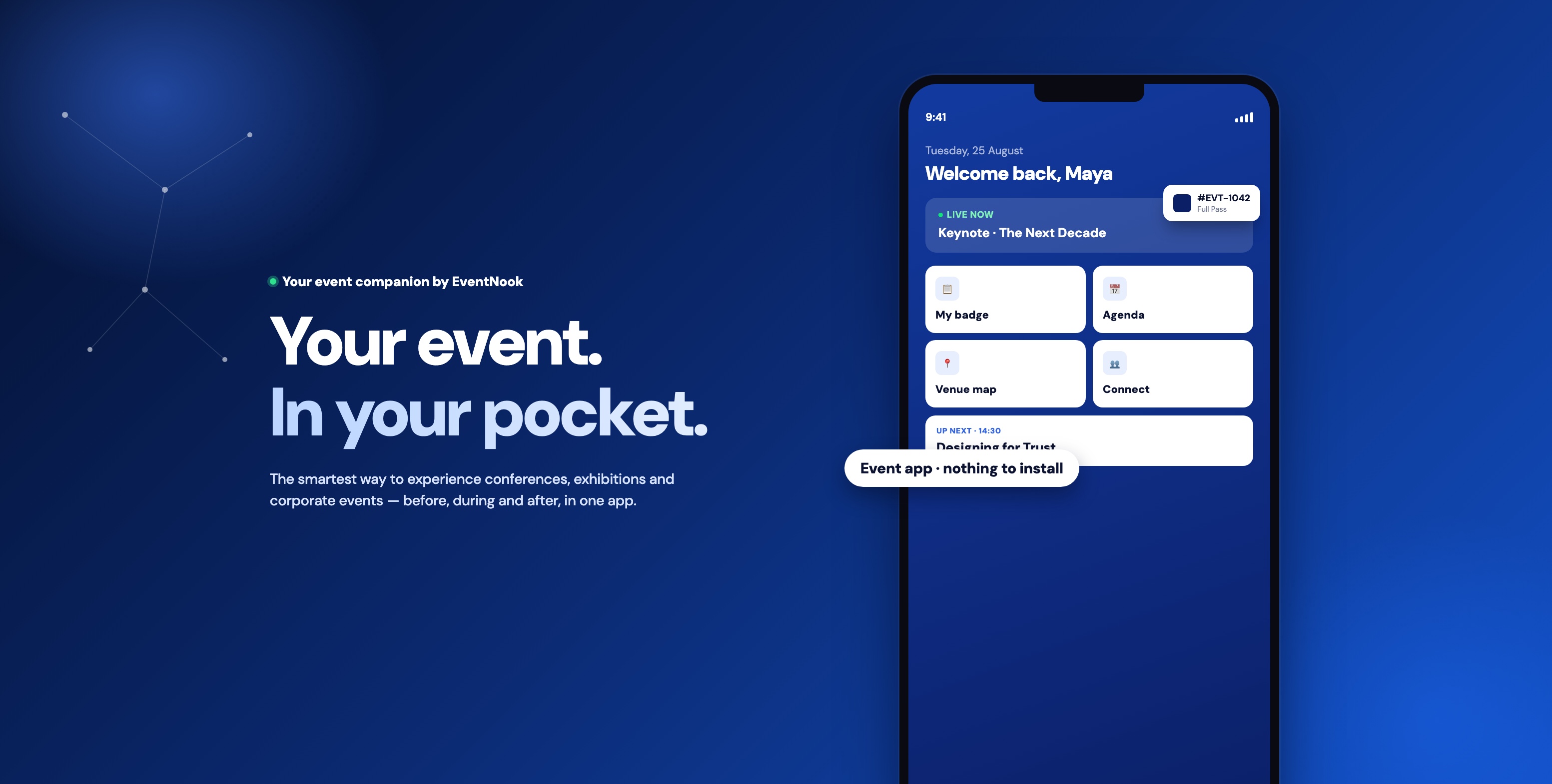
Register Check in Print
Executive forums, developer and startup summits, partner conferences — the pattern is the same regardless of the specific format: a corporate host, a guest list that matters, and zero tolerance for a slow or awkward door experience. The same registration, check-in and badge printing setup that ran AWS Executive Forum 2026 and Google Cloud Startup Summit Singapore 2026 is the standard setup for corporate events on EventNook, not a custom build assembled for two big names.
Common questions
Can it handle walk-ins or turnout above the RSVP count?
Yes — the same setup that welcomed Google Cloud Startup Summit Singapore's extra guests supports on-the-spot registration and check-in at the door, right alongside pre-registered attendees.
Do badges need to be pre-printed before the event?
Not necessarily. Most attendee badges can be printed on demand the moment someone checks in, giving pre-registered guests and walk-ins the same smooth experience. Organisers can also pre-print badges for VIPs or staff when useful — for example, to see at a glance who has not yet arrived or to prepare a separate fast-track welcome so VIPs do not need to wait in the main attendee line.
Is this suitable for high-profile corporate events, not just conferences?
Yes — this case study covers an executive forum and a startup summit hosted by major technology companies, with the registration experience and badge design built to match each format.
Does the organiser get visibility into registration numbers in real time?
Yes — registration and check-in status update live, which is what made it possible to spot Google Cloud's turnout running ahead of plan and respond early with a smooth arrival experience.
Neither event in this case study used the following optional add-ons, but organisers can extend that live visibility further:
- Multi-session check-in tracks check-ins and check-outs for individual breakout rooms and other sessions, including live occupancy and attendance duration.
- Exhibitor Lead Scan lets booth teams scan attendee badges, see how many visitors they have captured and organise contacts for follow-up.
- With NookPass, exhibitors can also photograph a physical business card. AI fills in details such as the person's name, title, company and contact information, then saves the card as a structured digital lead for follow-up after the event.
Talk to us about your next event
Registration, QR code check-in and onsite badge printing, set up for the event you're actually planning — and built to hold up on the day you get more people than you expected.