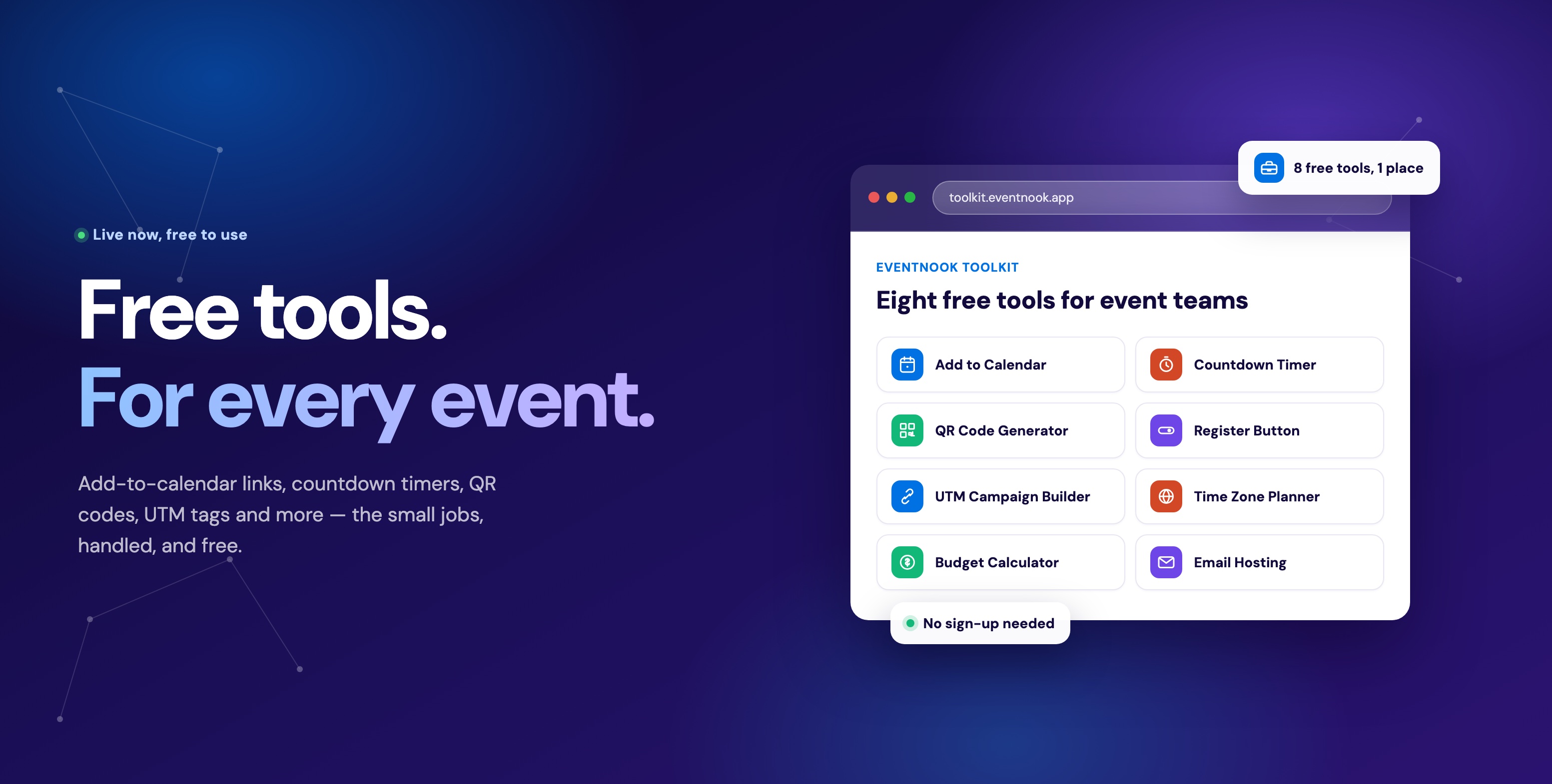
Every tool we've covered this week — the calendar link generator, the countdown timer, the agenda builder — is built to live on a website, doing its job in the run-up to an event: building interest, letting someone preview the programme, getting the date onto a calendar. That job ends the moment the event actually starts. An attendee walking into a venue isn't going to reopen your registration page to check what room the next session is in, and they're definitely not printing out a schedule to carry around. What they want at that point is something already in their pocket — which is a different product entirely.
What's actually in the app
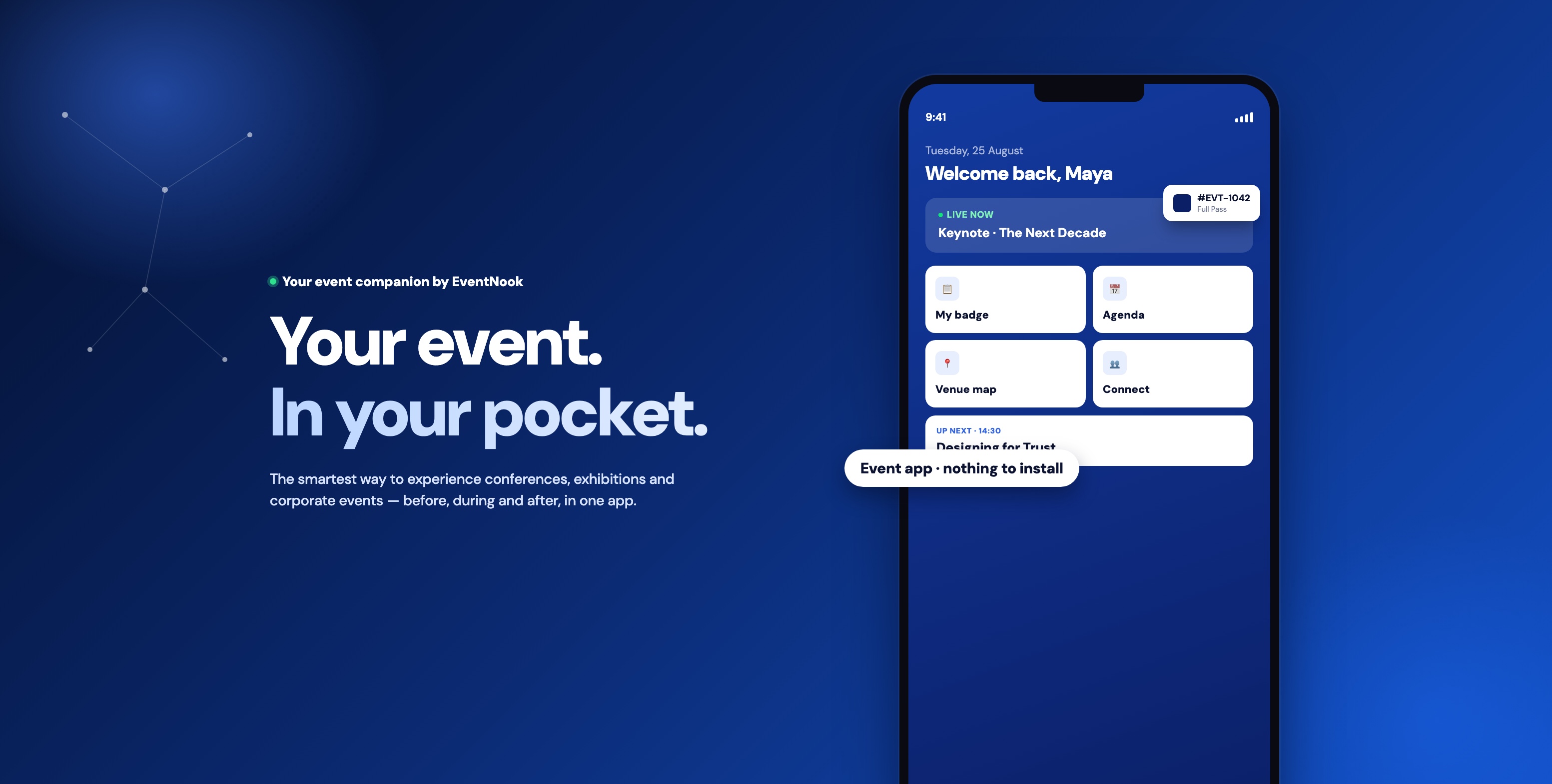
Open it and there's a bottom tab bar — Now, Agenda, Discover, People by default — sitting under a live event card and that day's quick actions. None of it is fixed:
- The tab bar itself is configurable — an organiser can rename, reorder or drop tabs per event, not just recolour a template
- Now is the live home screen — the event banner, quick actions and the latest announcement, all in one place
- The digital badge is one tap away, not a separate download or a printout
- Agenda and People get their own tabs instead of hiding behind a hamburger menu
Colour, logo and even which tabs show up shift per event — what's below is one theme out of many.
LIVE EVENT · 25–26 Aug
Summit 2026
📍 Marina Bay Sands
📢 LATEST ANNOUNCEMENT
Keynote moved to Main Hall
Same time, bigger room — see you there.
Agenda
Floor Plan
MAIN HALL · TRADE SHOW MAP
↓ ENTRANCE
Tap a highlighted booth for details
People
Try it — tap the tabs or a card on the phone above
The same app, three different jobs
Before
- A pass lands on their phone the moment they register
- No separate confirmation email to dig up later
- A nudge as the date gets close, so it isn't a surprise
During
- The schedule they're looking at is the one actually happening
- That same pass gets them through the door and into sessions
- Conversations on the floor turn into saved contacts, not lost cards
- A room change reaches them before they walk to the wrong one
After
- The photos and slides from the day are still sitting where they left them
- A certificate is a download, not a follow-up email chase
- Whoever they met on the floor is still reachable
The same app carries an attendee across all three phases — the pass they registered for is the badge they scan in with, which is the same login that later hands them the event's photo album. Nothing gets swapped out partway through.
Where the toolkit ends and NookPass begins
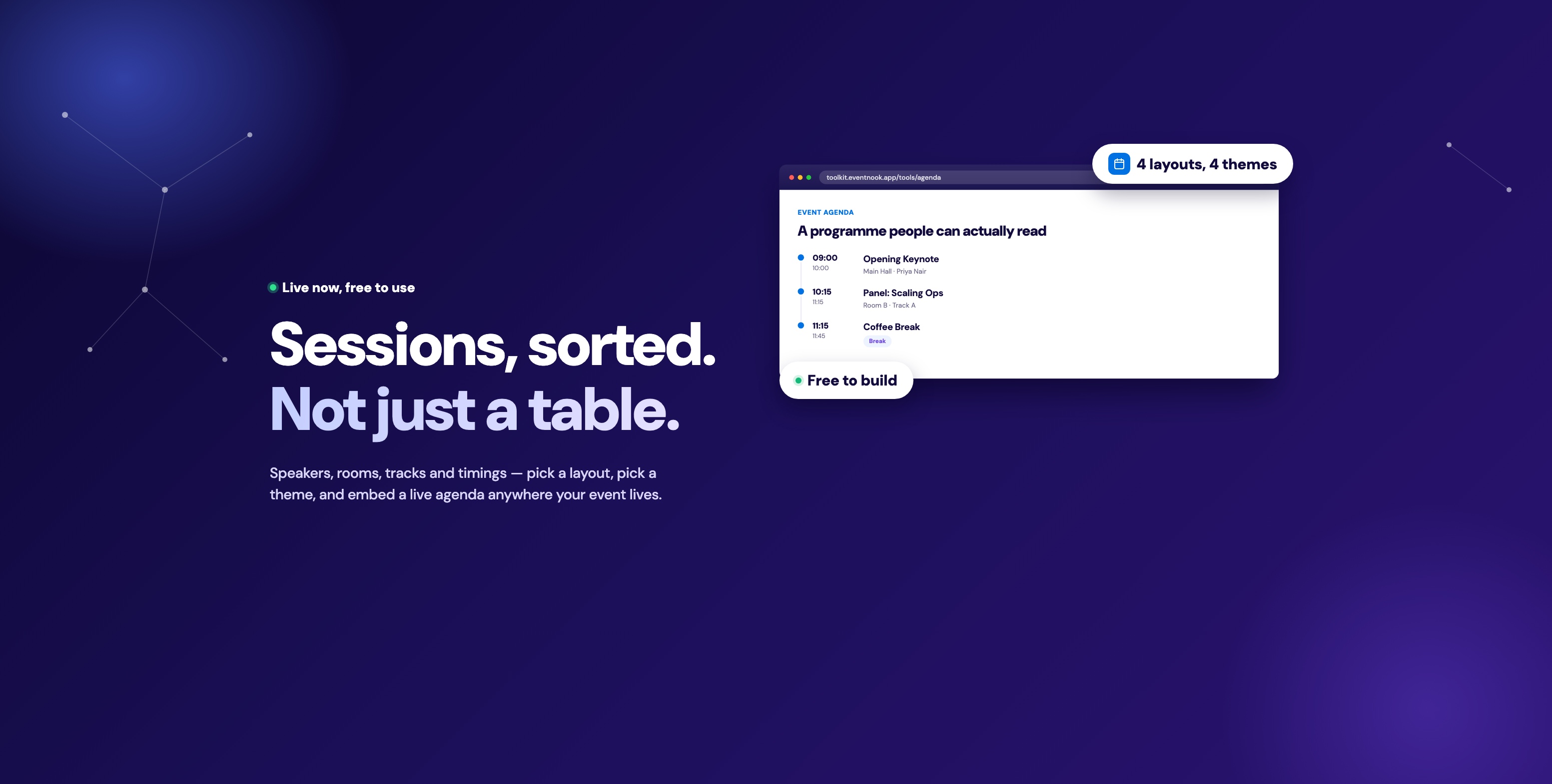
The agenda builder from earlier this week is genuinely good at what it does — an embeddable, always-current programme for a registration page, so a visitor can see the shape of the day before they commit to a ticket. But once that visitor has registered, the relationship changes: they don't want to bookmark your website, they want the event to travel with them. NookPass picks up exactly there. The same live-agenda idea — session times, speakers, rooms — moves from a webpage embed to a home-screen app, pinned next to a digital badge instead of sitting behind a browser tab an attendee has to remember to reopen.
Practically, that means the toolkit and NookPass aren't competing tools — they're the same job, handed off at check-in. Build interest and let people preview the programme with the free toolkit; give registered attendees the on-the-day experience with NookPass.
Everything in one app
Live Agenda
Sessions reorder themselves around what's happening right now, so nobody's staring at a static timetable that stopped being true an hour ago.
Exhibitors & Floor Plan
Tap a booth on the map and it pulls up who's there and what they do, instead of a paper directory nobody wants to carry.
Speakers
A full profile behind every name on the agenda — what they're talking about and why it's worth showing up early.
Connect with Attendees
Spot someone worth meeting and message them without swapping numbers or hunting down a business card first.
Live Q&A
Questions get submitted and upvoted from the audience mid-talk, so the speaker answers what the room actually wants to know.
Photo Album
Every shot the organiser uploads lands in one shared album attendees can browse long after the lights come up.
Live Videos
A keynote in the main hall plays for someone stuck in an overflow room, or for a colleague who couldn't make the trip.
Document Sharing
Slide decks and handouts sit next to the session they belong to, ready the moment the talk wraps up.
Digital Badge
The pass that gets someone through the door doubles as their badge inside it — nothing separate to print or laminate.
Track Sessions
Star the talks that matter and the app quietly assembles a personal running order out of the full programme.
Business Card Scan
Point the camera at a card and the contact is saved — no typing a name into a phone while someone waits.
Announcements
A room change or a delayed start reaches everyone's phone at once, instead of getting lost as a rumour on the floor.
New since launch: attendees can now simply ask. NookAI Assist answers questions about what's on next, speakers, getting there, visas and your event FAQ, straight from the live agenda and the information you give it.
Built for more than conferences
"Event app" undersells how broadly this applies — it's built for anything with a programme, a badge and a crowd:
Plugs into your registration platform
NookPass isn't tied to a single ticketing system — it syncs attendee and ticket data automatically from EventNook, Eventbrite, Luma, Cvent or Bizzabo, so there's no manual list to import or keep in sync by hand. Attendees who already registered on any of those platforms get their pass without a second sign-up.
Common questions
Do attendees need to install anything?
No — it's a web app that's always in an attendee's pocket, nothing to download from an app store.
Does this replace printed badges entirely?
Yes — the digital badge is QR-enabled and works for check-in and lead capture, with no printing required.
Can it be branded to our event?
Yes — custom event info, theming and styling are built in, so the app matches your event rather than looking like a generic template.
Does it work with our existing registration or ticketing platform?
Yes — it plugs into EventNook, Eventbrite, Luma, Cvent and Bizzabo directly.
What does it cost?
Pricing depends on event size and which features you need — request a demo and the team will walk through what fits.
More from this week
NookPass is the day-of counterpart to the EventNook Toolkit — pair it with the agenda builder for the registration page and the calendar link generator for the save-the-date, and an attendee's experience is covered from the first email to the last connection made on the floor.
Try it
See it against your own event before deciding anything.
Request a demo · See NookPass · Talk to us about event ticketing