Every calendar app wants something slightly different. Google wants a URL with the date encoded in it. Outlook wants roughly the same thing, shaped differently. Apple and old-school Outlook desktop don't want a link at all — they want an actual file, a .ics, that the operating system opens directly. Hand-building all four, correctly, for one event, is the kind of small annoying job nobody budgets time for. So we built a tool that does it in one pass.
What it does
Fill in an event's details once, and it generates everything you'd otherwise build by hand:
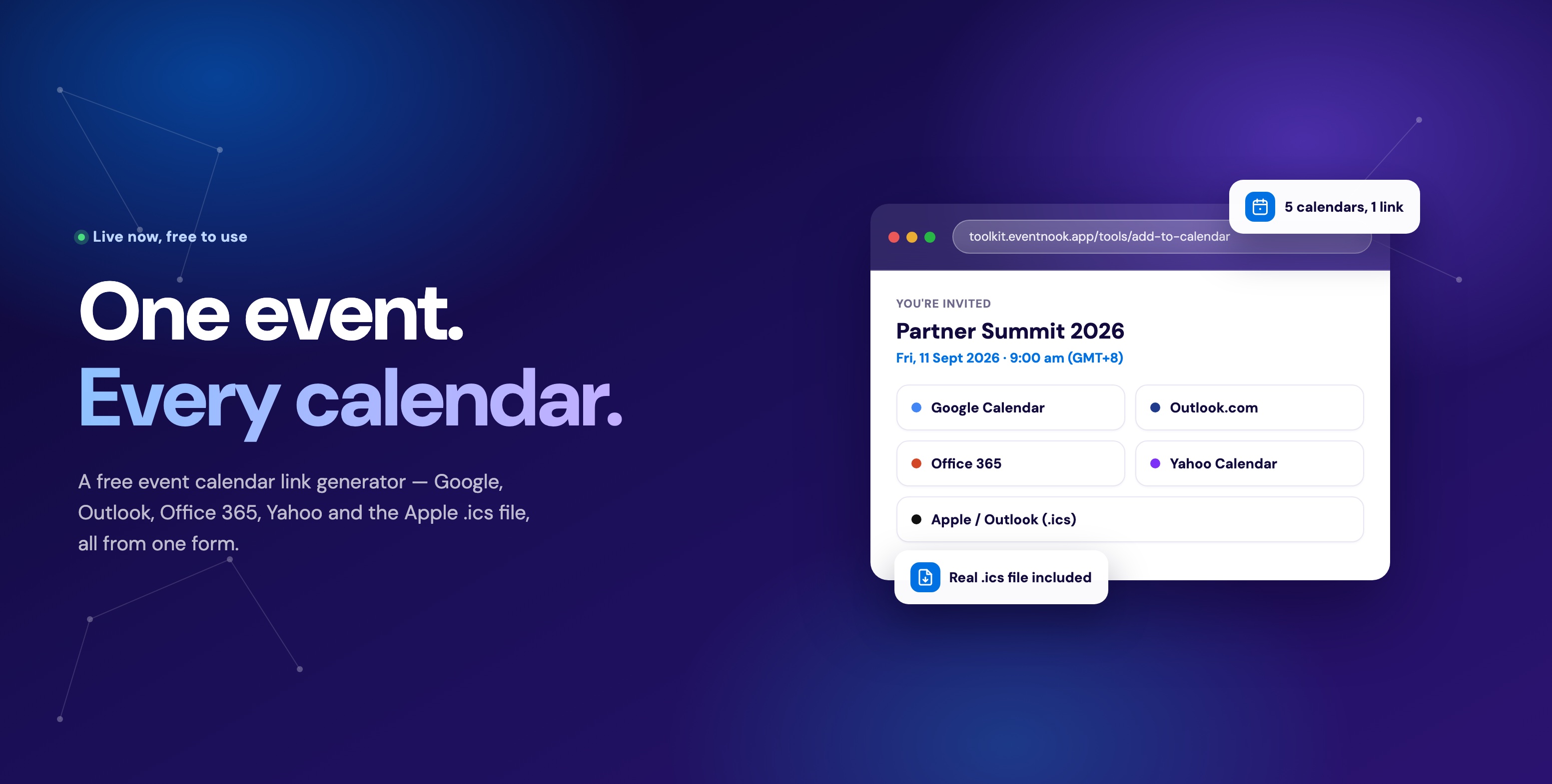
- Individual calendar links for Google Calendar, Outlook.com, Office 365 and Yahoo Calendar
- The .ics file that Apple Calendar and Outlook desktop actually need, rather than a link
- A shareable page with all five options laid out, so you can send one URL instead of five
- An email-ready HTML snippet, for dropping straight into a confirmation email
- A website embed, one line of HTML for an event page
YOU'RE INVITED
Annual Partner Summit 2026
Fri, 11 Sept 2026, 9:00 am
9:00 am – 5:00 pm (GMT+8)
That's Fri, 11 Sept 2026, 5:00 pm – 1:00 am (GMT+8) where you are.
Add it to your calendar
Every date is stored precisely and converted correctly for whoever's looking at it — type in your own timezone, and a visitor in a different one still gets the right local time.
Setting it up
Event details
Annual Partner Summit 2026 Marina Bay Sands, SingaporeEvent page link
your-event.com/registerDate & time
11/09/2026, 09:00 AM – 05:00 PM Asia/SingaporeReminder
1 day beforeOrganiser
Shown as the event owner in Outlook & Apple CalendarShare page & buttons
- Title, location and description — the location field takes a venue address or a meeting link for virtual events either way.
- An event page link (optional) — appended to the calendar entry, so anyone checking their calendar can click straight back to the details.
- Date, time and timezone — stored precisely and shown correctly wherever the viewer is, plus an all-day toggle for anything without a specific start time.
- A reminder — how long before the event most calendar apps will nudge the attendee.
- Organiser name and email (optional) — shown as who the invite is from.
- The share page's look — display format, shape, colour theme and a short eyebrow line above the event title.
Three ways this gets used beyond the obvious
The save-the-date, before the RSVP even opens
One organiser got in touch wanting exactly this: build hype for an event weeks before registration was even open. The move is to split the campaign in two. First, a save-the-date — just the date, just an add-to-calendar link, no registration required — sent while interest is warm. Then, later, the actual RSVP or registration invite, landing on a calendar slot the recipient already committed to mentally. Splitting these two moments apart consistently outperforms asking for both at once, because the ask in the first email is small: not "buy a ticket," just "hold the date."
Save the date
Sat, 14 Nov 2026
You're invited — RSVP now
Sat, 14 Nov 2026 · 6:00 PM
RegisterMultiple dates and activities, with no app behind the page
One page, one link per activity
Day 1
Opening Keynote
9:00 AM
Workshop: Cloud Security
11:00 AM
Day 2
Closing Dinner
7:00 PM
Attendees only add what's relevant to them.
Not every event has a companion app to hold the full itinerary. If the event site is a straightforward page — built quickly, no dedicated schedule view — and the programme actually spans several distinct activities or days, there's nowhere for that itinerary to live. This is exactly the gap add-to-calendar links fill: generate one link per activity, place each next to its own description on the page, and attendees can add only the parts relevant to them — the workshop they're attending, not the three they're skipping.
Same event, different days, different venues
Most registration pages — most platforms, generally — model an event as one date and one location. Real events are often not that tidy. A conference's Day 1 might close with a dinner at one hotel; Day 2 might close with drinks at a completely different venue across town. Rather than forcing that into a single date-and-location field that can only be right for one of the two, generate two separate calendar entries — each with its own correct date and its own correct venue — and place both wherever attendees need them: the confirmation email, the event page, a printed itinerary. The "main event" can stay one line on a registration page while attendees still get the right reminder, at the right time, pointed at the right address, for each part.
One event, two calendar entries
Sat, 12 Sept 2026
Raffles Hotel — Grand Ballroom
Sun, 13 Sept 2026
Gardens by the Bay
Two links, two venues, one registration page.
Free to use, with an optional account
No account is needed to generate links and copy the embed code — it works immediately. A free account adds a permanent share link: the event becomes editable in place, so if the date, venue or time changes, updating it once updates every page and email where that link already went out, instead of you re-sending everything and hoping people update their own calendars manually.
Common questions
Does this generate an actual .ics file, or just a link?
Both — Google, Outlook.com, Office 365 and Yahoo get proper links; Apple Calendar and Outlook desktop get the .ics file they need, generated automatically alongside the rest.
Can I embed this in an email confirmation, not just a web page?
Yes — the tool generates an email-ready HTML snippet specifically for that, separate from the website embed code.
Can I make separate calendar links for a multi-day or multi-venue event?
Yes — build one calendar entry per day or activity, each with its own date and location, and place all of them wherever attendees need to see them.
What happens if the event date changes after I've already sent invites?
With a free account, the share link is permanent and editable — updating the date once updates it everywhere that link has already been sent or embedded.
More than one tool
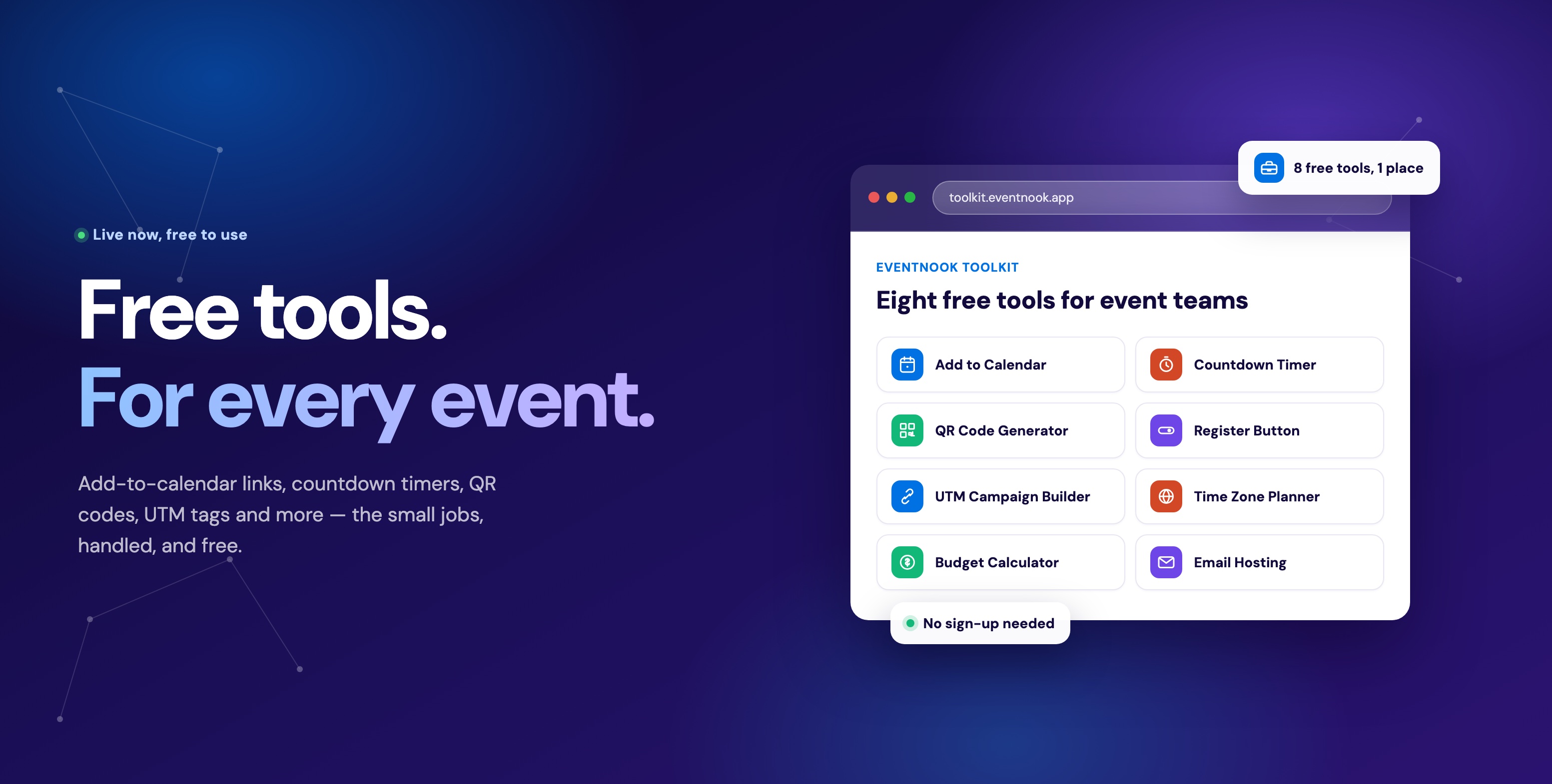
The calendar link generator is one of eight free tools in the EventNook Toolkit, alongside the countdown timer widget, a QR code generator, an Outlook-safe register button, a UTM campaign builder, a time zone planner and an event budget calculator — all free, no sign-up to try any of them.
Try it
It takes under a minute and costs nothing.
Build a calendar link · See the full toolkit · Talk to us about event ticketing