In Singapore, PayNow has quietly become the default way money moves between people. Splitting a meal, paying a tutor, settling a supplier invoice, collecting money for a group gift — it is instant, it costs nothing, and everyone already has it in their banking app.
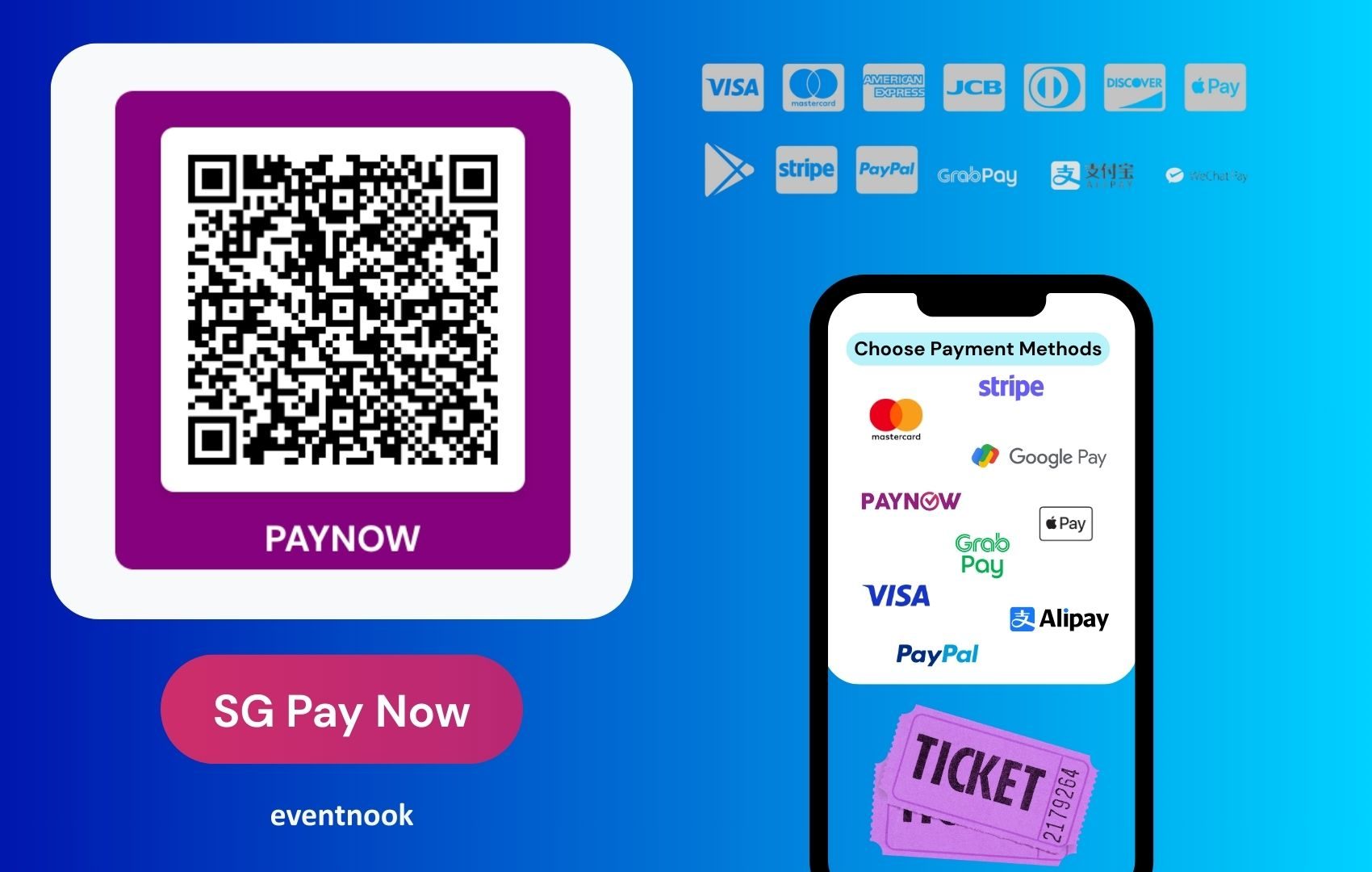
The fastest way to be paid by PayNow is a QR code. The payer points their bank app at it and the recipient, amount and reference are already filled in — no typing a mobile number, no misheard digits, no "sorry, which UEN was it again?".
So we built a free one and put it online for anyone to use:
What it does
Four steps, and you are done:
- Choose whether to be paid on a mobile number or a UEN.
- Enter your PayNow-registered mobile number, or your company's UEN.
- Optionally set a fixed amount and a reference or bill number.
- Generate, then download as PNG or SVG — print it, or share the image.
The QR is assembled to the official SGQR / EMVCo specification, including the required checksum, which is what makes it scan correctly in DBS/POSB, OCBC, UOB, Standard Chartered, GXS and the other Singapore bank and e-wallet apps rather than being read as meaningless text.
Download the SVG if it is going anywhere printed — a banner, a poster, an A5 table card. It is vector, so it stays crisp at any size. PNG is fine for a screen, a chat message or a slide.
The one decision worth thinking about: fixed amount, or blank?
This is the choice that determines how the QR behaves in the wild, and it is worth a moment's thought before you print two hundred of them.
| Leave the amount blank | Set a fixed amount |
|---|---|
| The payer types whatever they want | The amount is pre-filled and specific |
| One QR you can reuse forever | One QR per amount |
| Donation box, tip jar, shop counter, pay-as-you-feel | Invoices, a $25 ticket, a fixed course fee |
| Fewer codes to manage | Fewer wrong amounts to chase |
Add a reference whenever you can — an invoice number, a table number, a member ID. It travels with the payment into your bank statement, which is the difference between reconciling in ten minutes and reconciling by squinting at names.
Where a PayNow QR earns its keep day to day
Most of the value here has nothing to do with events. A printed PayNow QR is quietly useful anywhere money changes hands in Singapore:
- A shop counter or market stall — taped by the till, no card terminal, no transaction fee.
- Invoices and receipts — drop the QR onto the PDF with the amount and invoice number already encoded.
- Freelancers and tutors — put it at the bottom of your quote and stop chasing.
- Home businesses and pop-ups — a bakery, a florist, a weekend booth at a craft fair.
- Clubs and committees — annual membership fees, group orders, the Christmas party pot.
- Religious and charitable collections — a standing QR on the donation box.
The common thread: PayNow settles straight into your bank account, the payer needs nothing but their banking app, and nobody is paying a percentage to anyone.
And at events
Since this is an events blog, the obvious uses:
- Small community events — a workshop, a meetup, a class with twenty seats. A fixed-amount QR on the sign-up post collects the fee without any ticketing setup at all.
- Walk-ins at the door — someone turns up unregistered and wants to pay. A QR at the registration desk beats hunting for change.
- Merchandise and F&B — a QR per price point at the merch table.
- Donation and fundraising drives — a blank-amount QR on a pull-up banner, on every table card, on the closing slide. This is where the free tool is at its best: give people something to point a phone at while they are still feeling generous.
- Charity galas and CSR events — pledge collection during the programme, without an app or a card machine.
Where a plain QR stops being enough
Worth being straight about this, because it is the mistake we see. A static PayNow QR moves money. It does not tell you who paid, what they paid for, or whether they are actually on your guest list.
For a twenty-person workshop, that is fine — you will recognise the names in your bank feed. For a ticketed event of any size it stops working quickly: no per-buyer record, no automatic confirmation email, no QR ticket to scan at the door, and a reconciliation job that grows with every sale.
That is the point at which you want PayNow inside your registration system rather than taped to a table. EventNook supports PayNow SG QR payments at checkout, so each buyer gets their own payment reference, their order is matched automatically, and their ticket is issued the moment payment clears.
Use the free generator for the collection tin. Use proper ticketing when you are selling seats.
Is it safe?
A PayNow QR only encodes what you would print on a name card anyway: your PayNow proxy — the mobile number or UEN you registered — plus the payment details. It carries no bank login, no password, and no account number, and it can only ever be used to send you money.
The sensible caution is the ordinary one for any public QR: check that the code on the wall is still yours. Sticker-over-sticker fraud is a real thing at unattended payment points, so laminate it, keep an eye on it, and confirm the name that appears in the payer's app is the name it should be.
The limits, plainly
- Singapore Dollars only. Every PayNow transfer is in SGD; no other currency is supported.
- Singapore only. Both sides need a Singapore bank account or e-wallet that supports PayNow. An overseas guest without one cannot pay this way — keep a card option for international attendees.
- The payee must be registered for PayNow, linking the mobile number or UEN to their bank account. The generator makes the code; your bank makes the registration.
More than PayNow
The PayNow generator is one page of NookQR, our free QR code tool. The same place will make you a QR for a link, a WiFi network, a vCard, an email or a phone number — with your own colours and logo, downloadable as PNG or SVG. Also free, also no sign-up.
For event organisers, that covers a lot of small jobs: a QR to the agenda on a table card, to the feedback form on the closing slide, to the venue WiFi on every seat.
Try it
It takes about thirty seconds and costs nothing.
👉 Create a free PayNow QR code · 🔳 All QR code types · 🎟️ Talk to us about event ticketing